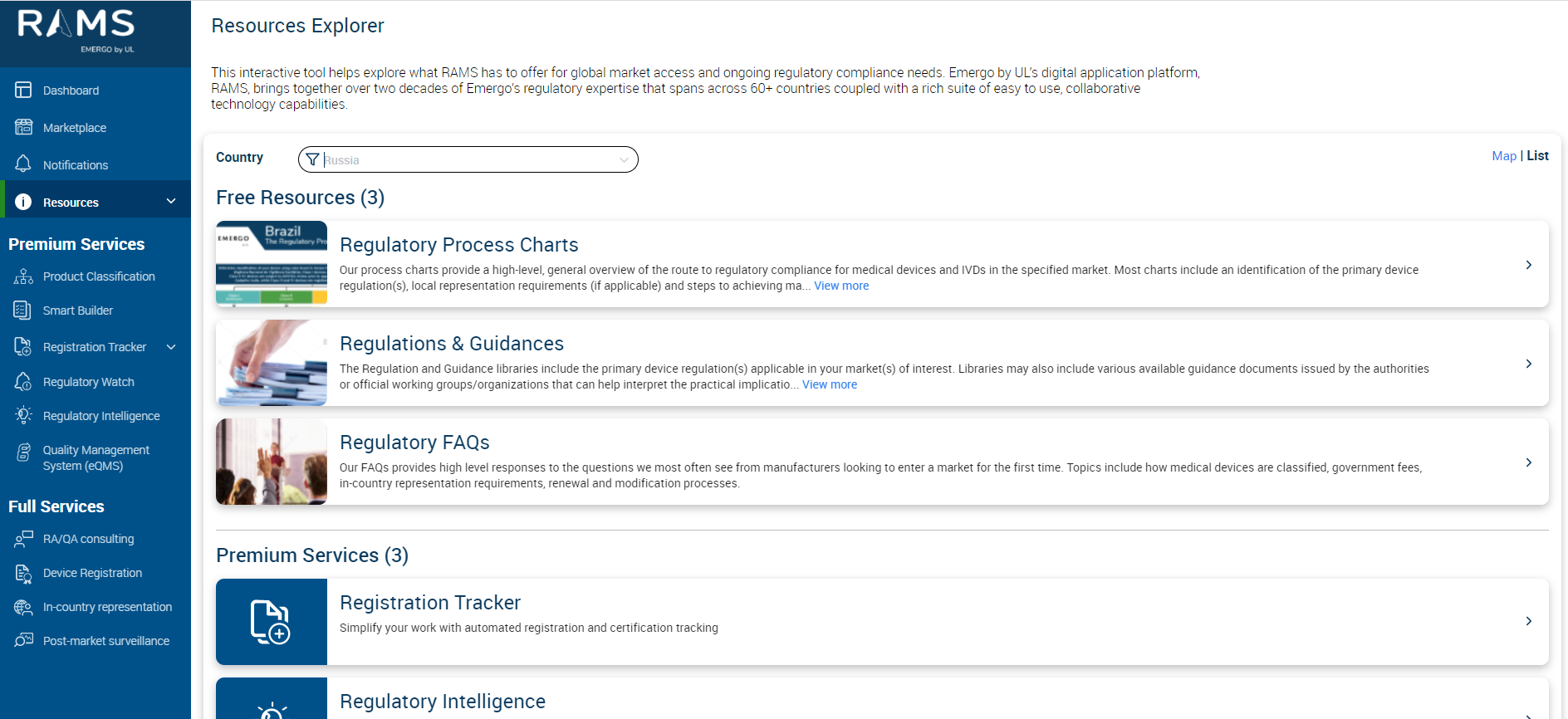
The resources section on the left panel of the RAMS application now has 2 views namely map & list views to see the various resources and services offered in each country with options to switch between either of the 2 views. The user can switch/toggle between the map and list views
1.1. Map View
The map view refers to one of the type of resources view where the user gets to understand the various services available for users across the entire geography in on a World Map as shown below
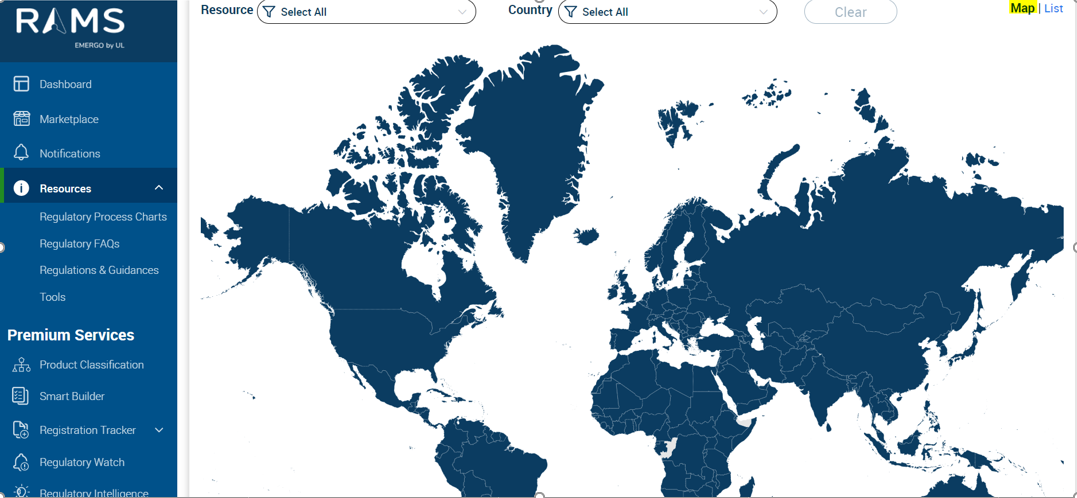
The user can also hover over a country to view the related resources and premium services
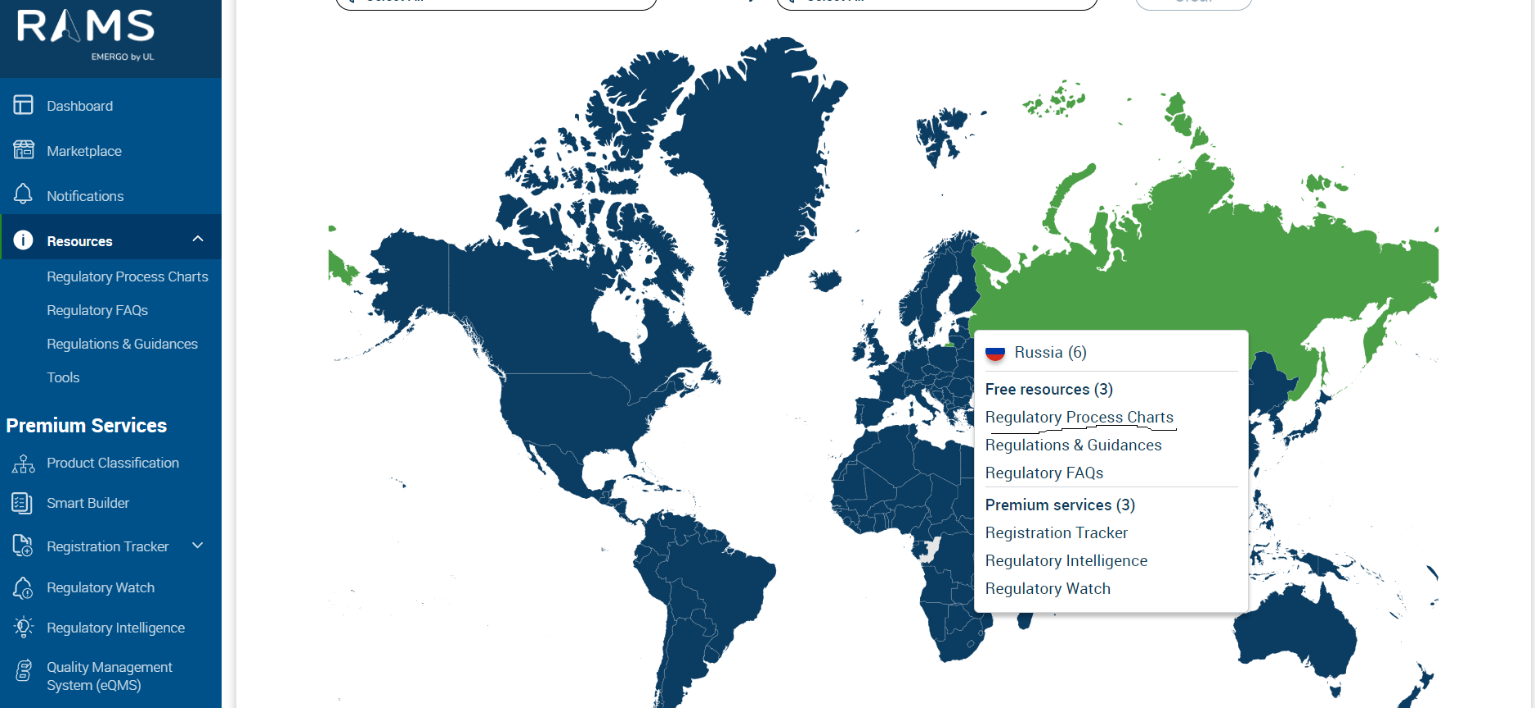
The user can also click onto the information as highlighted in the above image to be re-directed to appropriate resources as shown below
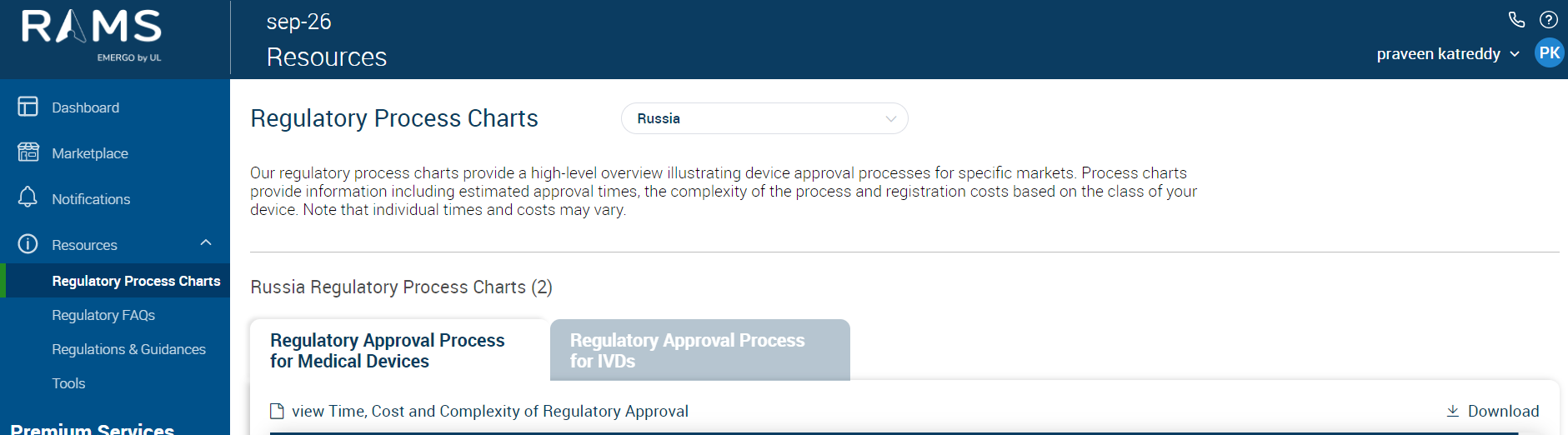
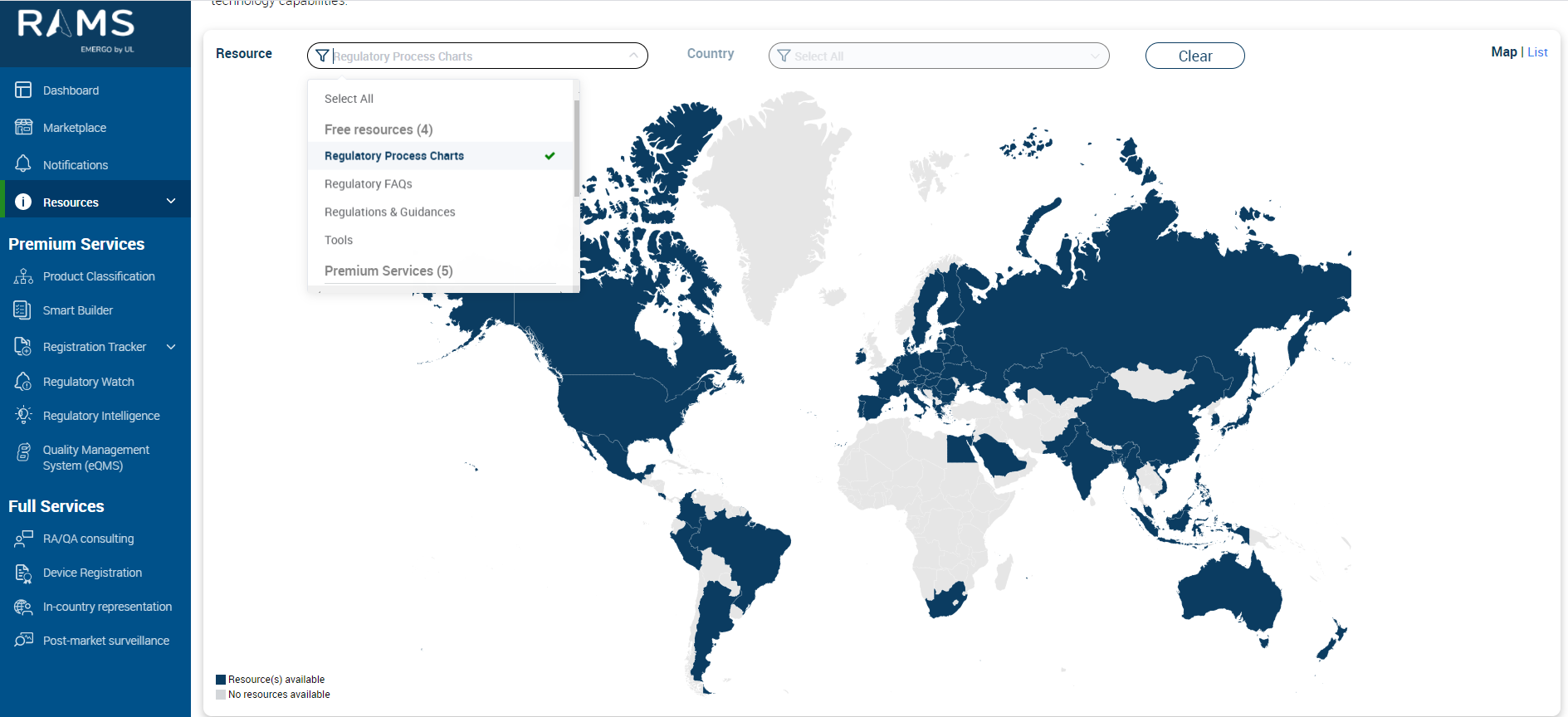
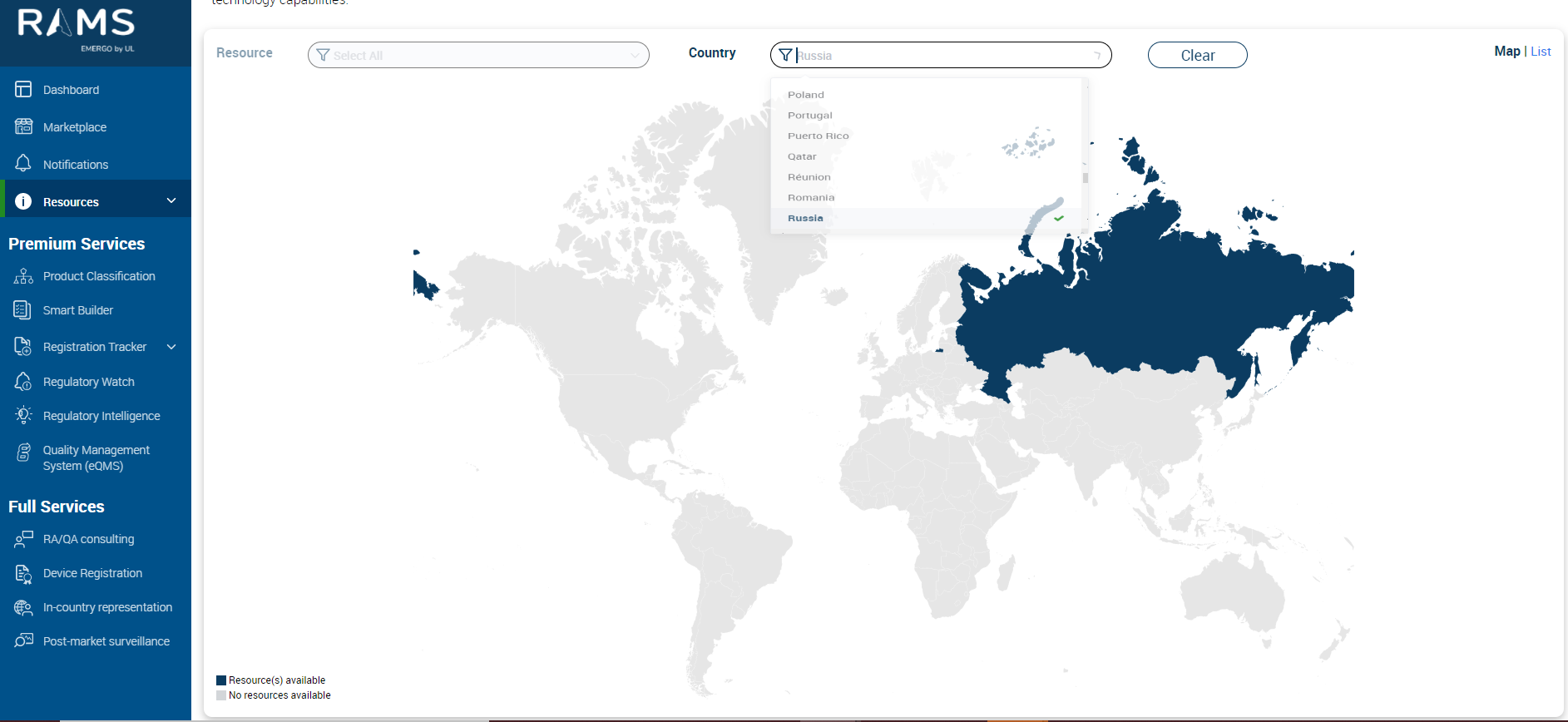
The user can also filter based on Resource or by Country
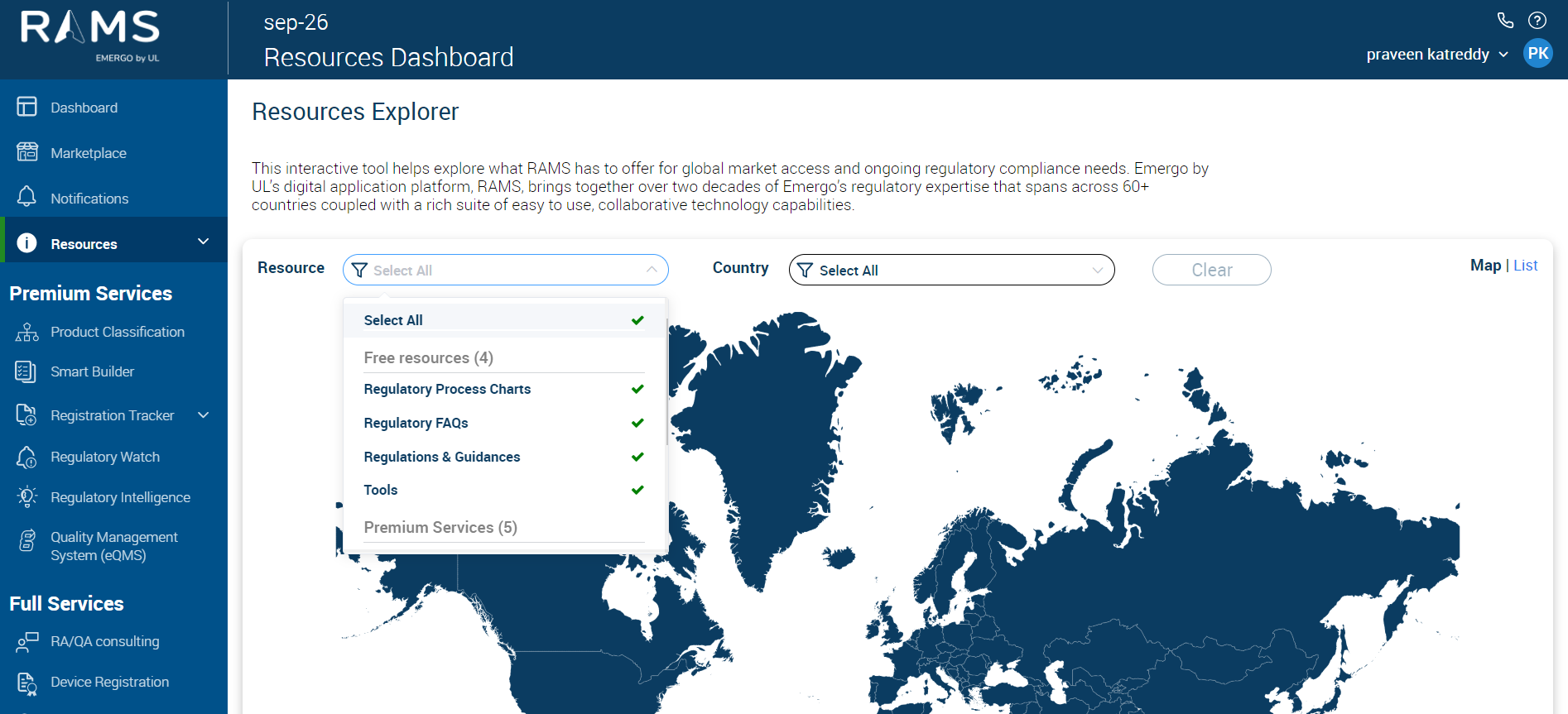
For example, if the user filters a “Resource” and selects say “Regulatory Process Charts”
For example, if user filters by Country and selects say “Russia”
1.2. List View
The List View groups al resources items available in RAMS application and display in a vertical scrollable list. This view complements the map view in giving the user the option to view information in 2 different ways.
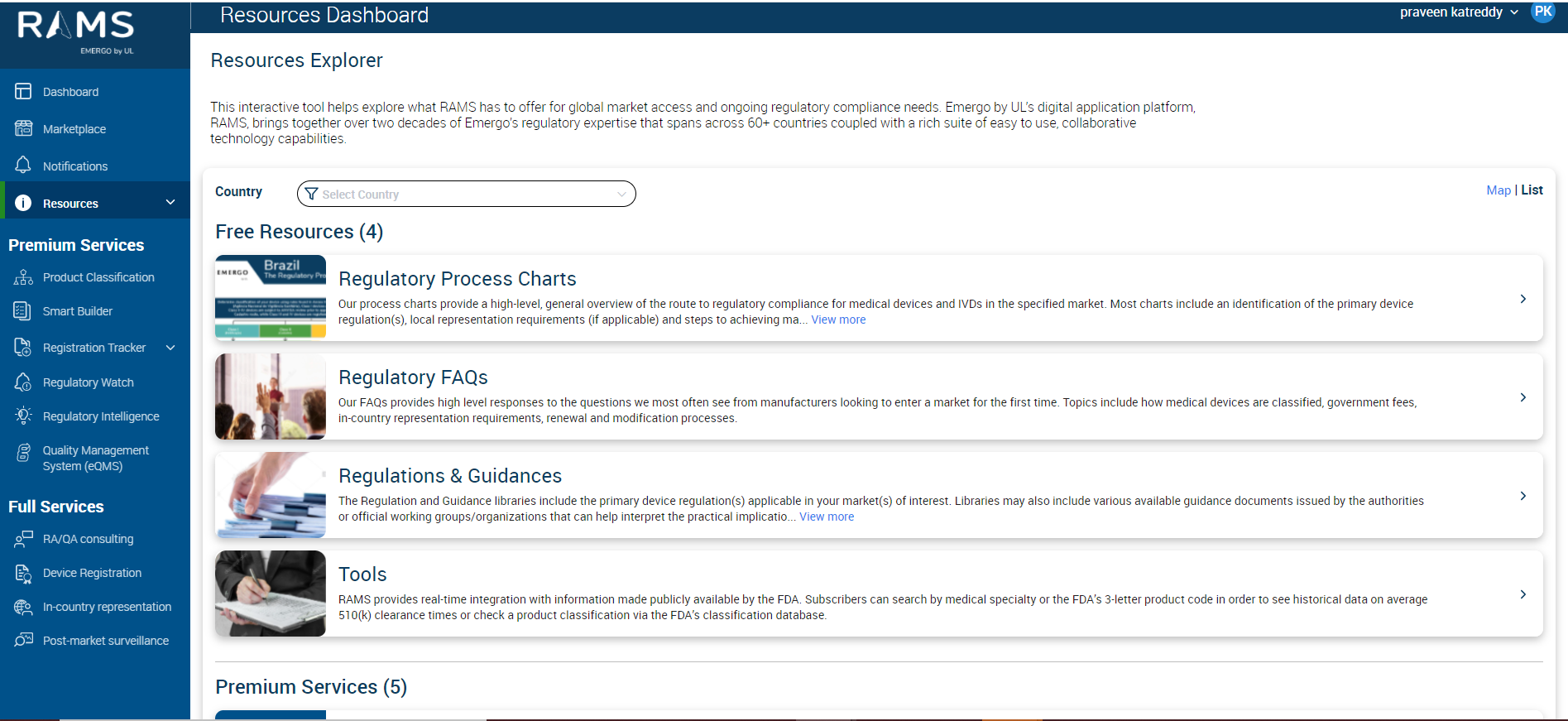
From the above option user can filter a specific country say “Russia” for example to see the below screen